 flutterware
Dev stack
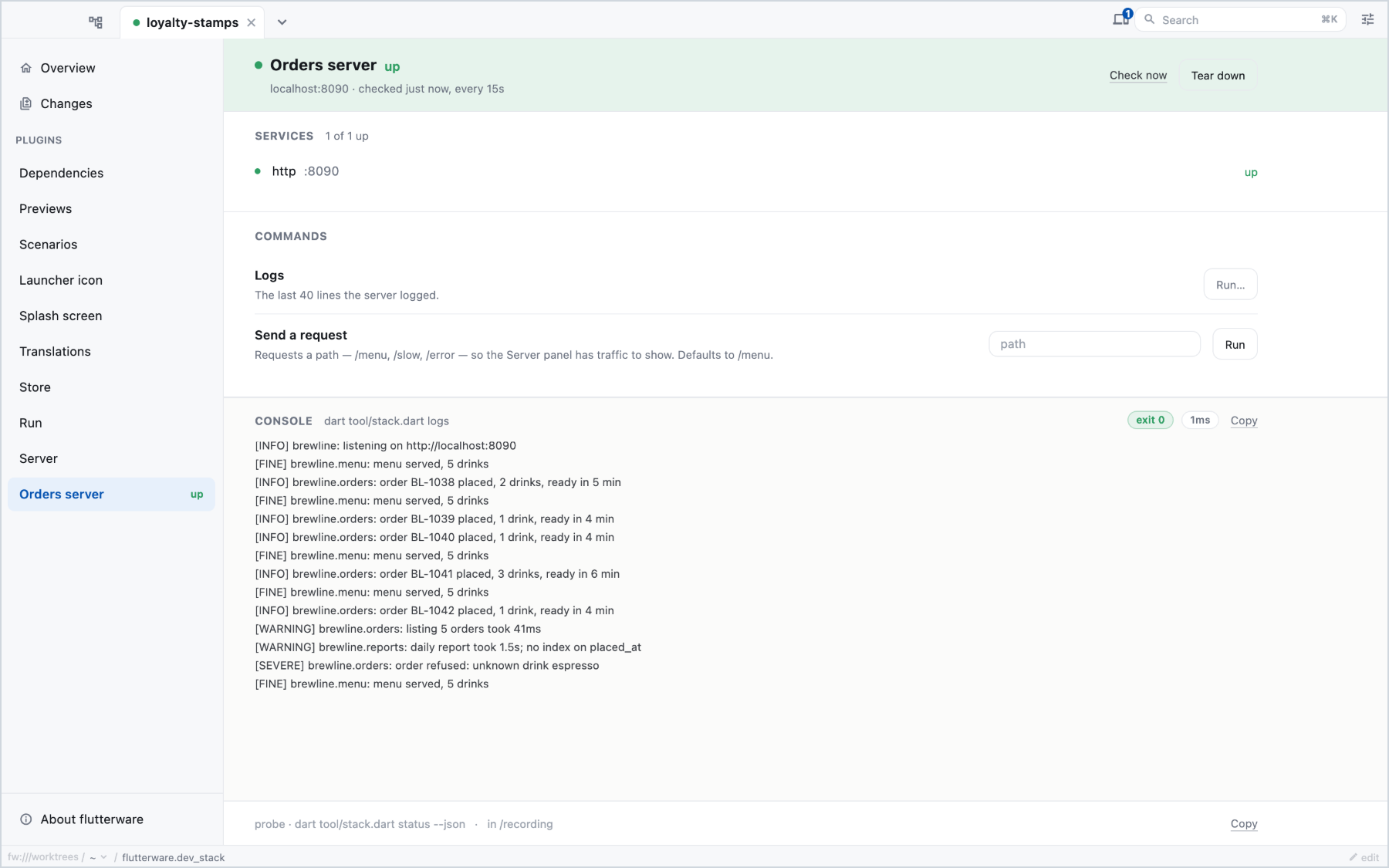
The services your app needs while you work (a database, a local API, Docker containers), with their state and a start and stop button, driven by the commands your project already has.
Turn it on#
// tool/flutterware.dart
fw.use(
  DevStack.background(
    label: 'Local services',
    probe: Probe.exitCode(
      StackRun.command([
        'sh',
        '-c',
        r'test -n "$(docker compose ps --quiet --status running)"',
      ]),
    ),
    start: StackRun.command(['docker', 'compose', 'up', '-d']),
    stop: StackRun.command(['docker', 'compose', 'down']),
    commands: [
      StackCommand(
        'logs',
        'Logs',
        StackRun.command(['docker', 'compose', 'logs', '--tail=40']),
      ),
    ],
  ),
);probeis how flutterware finds out whether the stack is up. It runs every few seconds while the panel is on screen (poll:sets the pace).fwand your agent don't poll: they show the last reading, from whichever process took it, andfw run dev_stack statustakes a new one.startandstopare optional. Leave both out for a service you only watch, like a shared server.commandsare extra buttons: logs, restart, reset. Mark onedanger: trueif it destroys data, and setstopIsDestructive: truewhen stopping drops your database; the studio asks before running those.
Commands run from the root of the checkout unless you set workingDirectory:.
Two ways to run something#
StackRun.command([...]) runs an executable directly. There's no shell, so
pipes and $(...) need sh -c, as in the probe above.
StackRun.script('tool/stack.dart', args: ['up']) runs a Dart script from your
project with the same Dart SDK flutterware runs on. Use it when the logic is
more than one line, or to avoid depending on what's on the PATH of a studio
started from the Dock.
Two kinds of probe#
Probe.exitCode(...): exit code 0 means up, anything else means down. The last
line of output is shown as the detail. Make sure the command fails when the
stack is down: docker compose ps --quiet succeeds and prints nothing, which
would read as "up" forever.
Probe.json(...): the command prints one JSON object, which can say more:
{
  "state": "up",
  "detail": "4 containers",
  "services": [{"name": "postgres", "port": 5432, "state": "up"}]
}
state is down, starting, up, stopping or unavailable (the probe
itself couldn't tell). With services, a stack that's partly up shows as
up 3/4 instead of a single colour.
From the command line or an agent#
fw run dev_stack status     # runs the probe now
fw run dev_stack logs       # a declared command, by its id